Guides
Hire your first AI staff member
Pick a role, write a brief that actually constrains it, give it the smallest set of tools and the lowest access level that does the job, then test it before it touches anything real.
AI staff are workers, not chat sessions. They have a name, a brief, a toolbox, an access level, and optionally a connection to your knowledge base. Setting one up well takes about ten minutes and is mostly about restraint.
1. Start from the catalogue
There are around eighty ready-made roles, minute writer, policy Q&A, contract reviewer, reconciliation clerk, and so on, grouped by department. Picking one prefills the form with a name, an avatar, a written brief and a sensible tool selection. From that moment it is an ordinary staff member; nothing follows it from the catalogue.
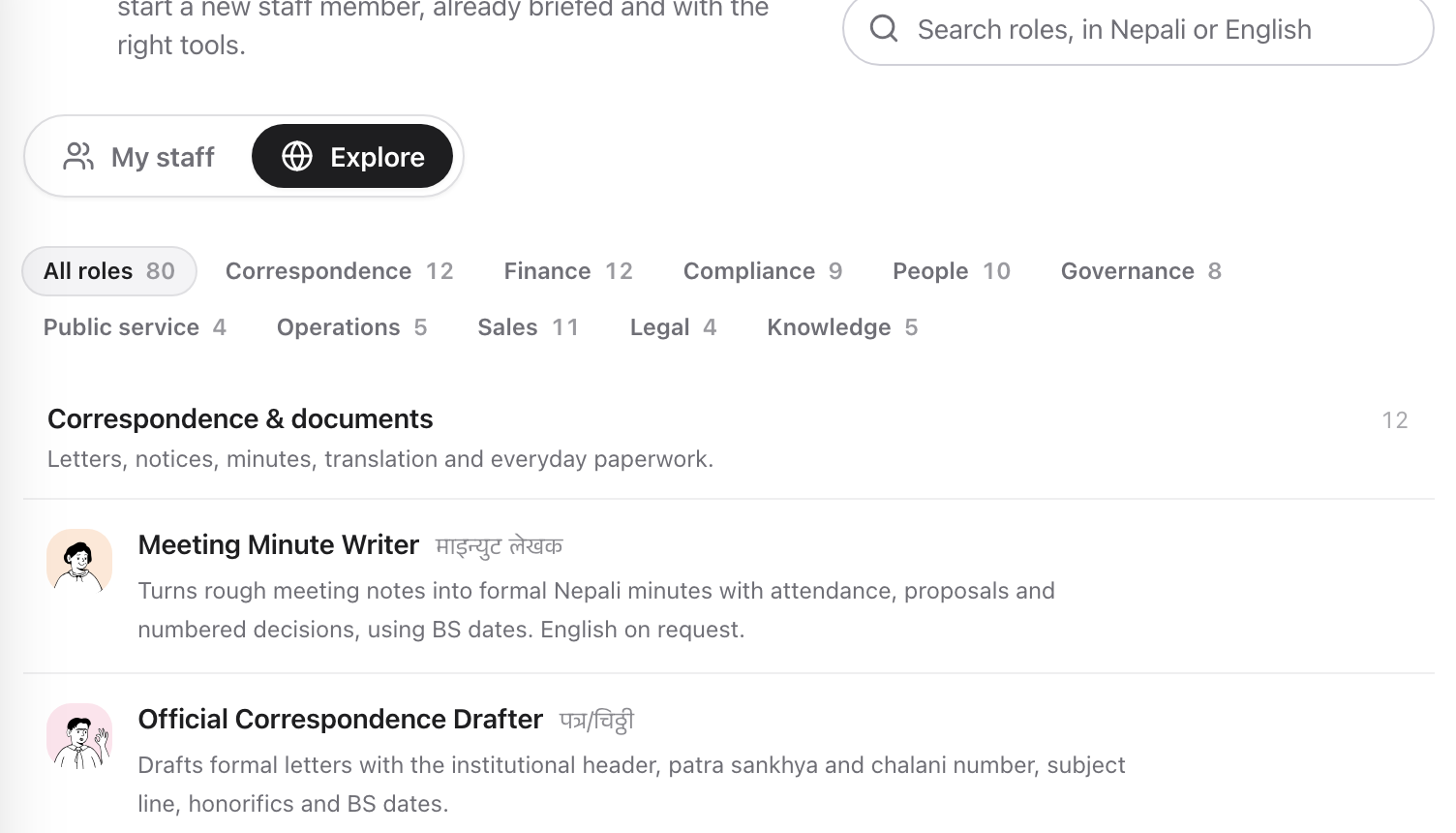
Eighty ready-made roles, grouped by department, each with a brief and a tool selection already chosen.
Every catalogue role ships read-only or standard access and none of them gets a destructive tool. That is a deliberate floor: the easiest path into creating staff should be the safe one.
2. Write the brief like a job description
The Instructions field is where the work is. Say what it does, the tone, and the rules it must not break:
The last sentence is the pattern to copy. Most bad output comes from a model filling a gap rather than reporting it, so tell it what to do when it does not know.
3. Give it the smallest toolbox
Tools are grouped, knowledge, web and research, tasks and planning, communication, media, code and data, collaboration. Give it what the role needs and nothing else. A minute writer needs the clock and the brain; it does not need a shell.
Every tool you add is a way for the staff member to surprise you. That is fine when you chose it and unpleasant when you did not notice it.
4. Choose the access level deliberately
| Level | What it can do |
|---|---|
| Read-only | Draft and suggest. Cannot act, it can compose an email and cannot send one |
| Standard | Run tasks and act with connected tools |
| Admin | Standard, plus managing staff, roles and integrations |
Start at read-only for anything that writes to people. You can raise it later in five seconds; you cannot unsend.
5. Connect it to a brain
If the role answers questions about your organisation, policy, process, product, connect it to a Brain. A retrieval role with an empty brain is the classic failure: asked about parental leave with nothing to retrieve, an ungrounded model will invent an entitlement with a clause number and a date, and it will sound exactly right.
Dhanu’s retrieval roles carry an explicit rule to say “I could not find this” instead. Connect the brain anyway, the rule keeps it honest, the brain makes it useful.
6. Test it on something real but harmless
Give it a job you already know the answer to and read the run trace: every tool call it made, in order, with what it did. That trace is how you find out that it searched nothing before answering, or that it drafted the email you assumed it would send.
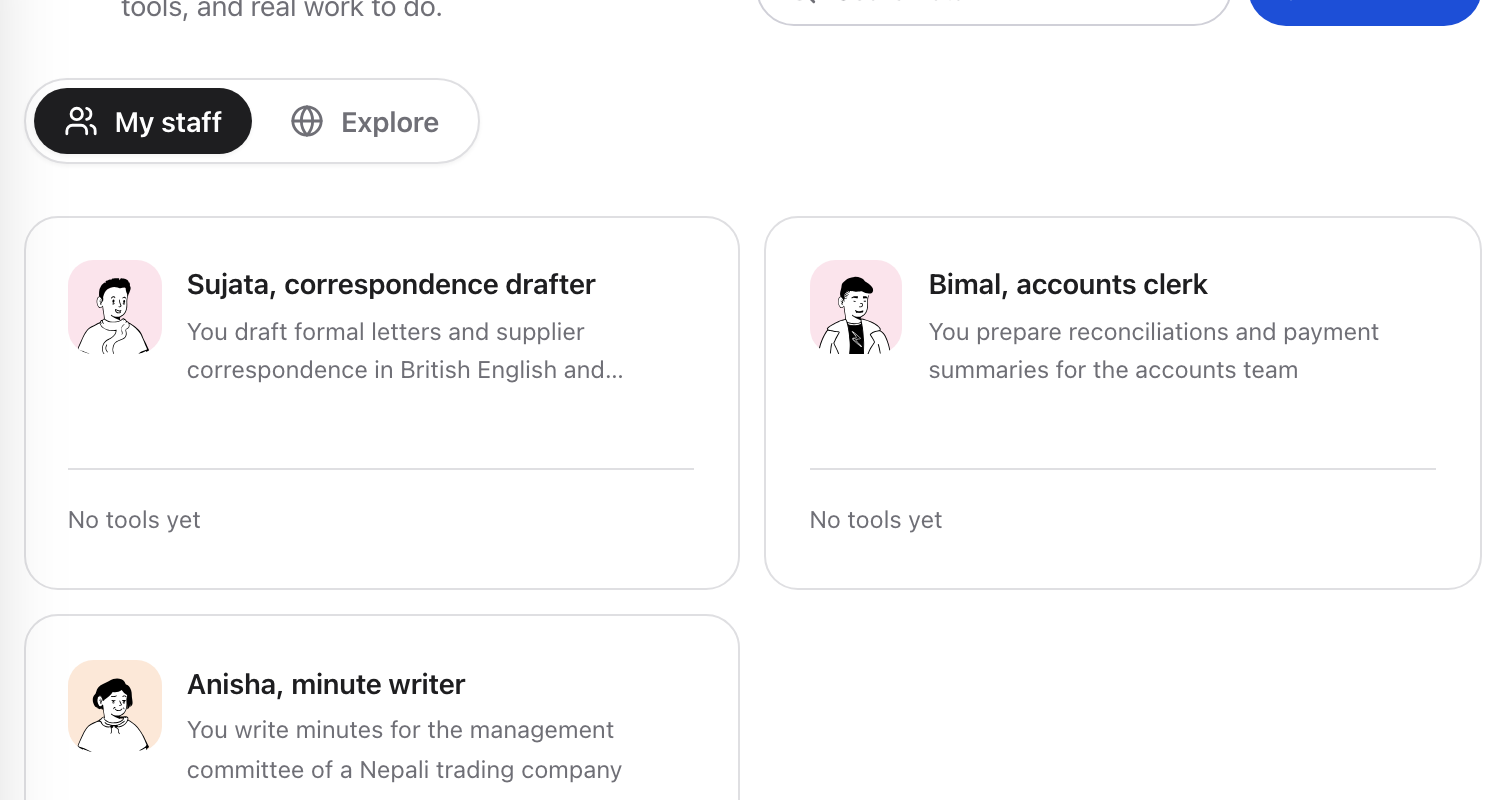
Once created, a staff member is an ordinary worker in the list, with the tools it holds shown on its card.
7. Then let it work
Once it earns trust, assign it to a project, put it in the flow of tasks, and let other tasks delegate to it. Adjust the brief when it gets something wrong, that is the maintenance loop, and it is faster than re-creating the staff member.
Next
- Email, chat, calendar and approvalswhat “acting outwardly” means
- Company knowledgehow retrieval works
- Memory and noteswhat a staff member remembers between jobs