Tasks
Documents
Ask for a write-up and you get a doc beside the conversation that you and the assistant edit together, with suggested edits you can accept or reject.
Ask for a brief, a summary, a plan, an essay, or a report and the assistant makes a doc, a real document that opens beside the conversation. You can type in it while the assistant is working in it; both of you are editing the same thing.
Where it runs: in a task.
What the assistant can do
| It can | What that looks like |
|---|---|
| Create a doc | A new document appears beside the task, with the full text already written |
| Rewrite one | The whole body is replaced, used when you ask for a different draft |
| Suggest an edit | A change to one passage, shown as a diff you accept or reject |
| Rename one | The title changes, the body is untouched |
| Read a section | It pulls the exact current text of one heading before changing it |
A task can hold several docs. When you have more than one, say which, “in the proposal, tighten the intro”, otherwise the assistant has to guess.
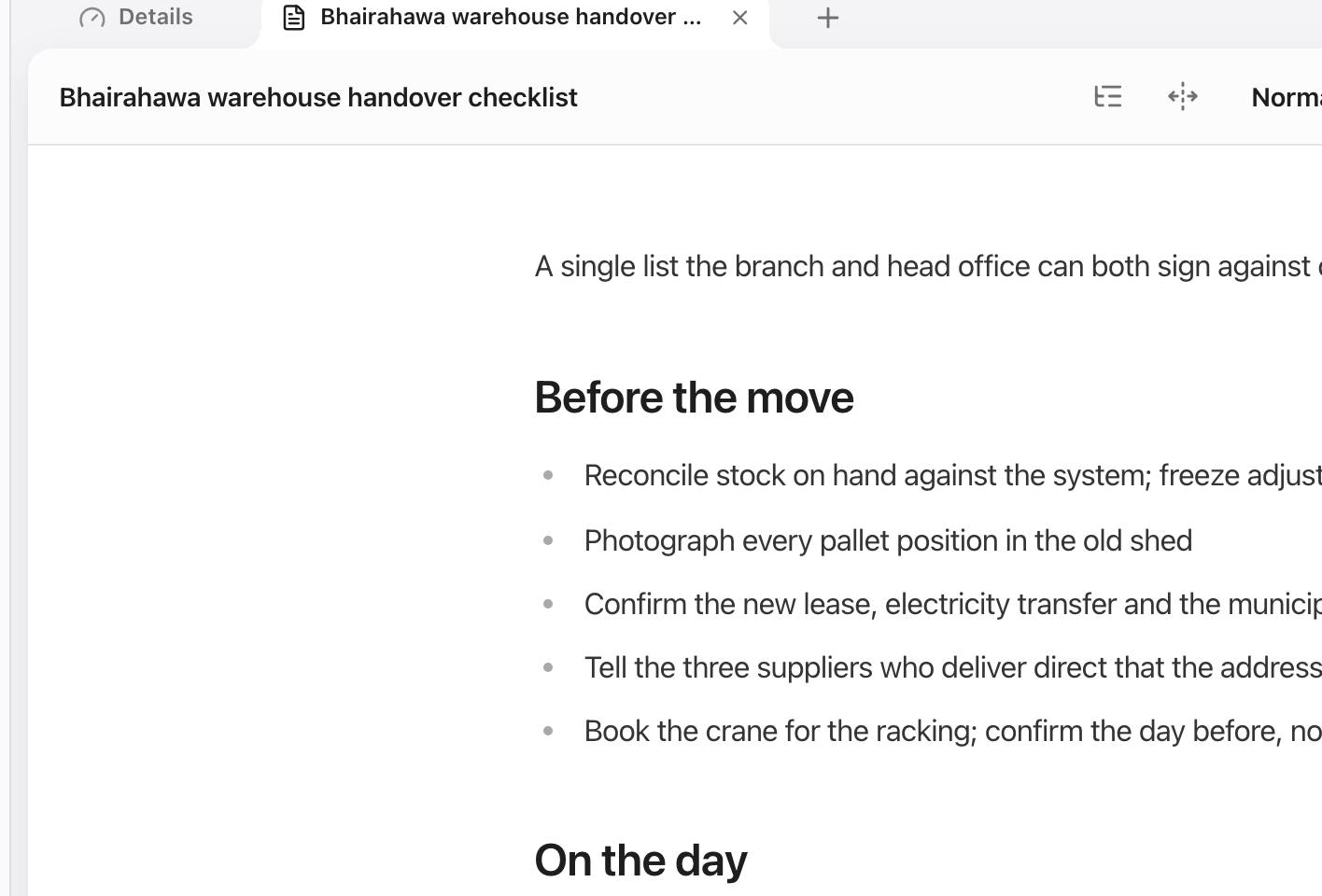
A doc opens beside the conversation and stays editable while the assistant works in it.
Suggested edits
When you point at a specific passage, you select it, or you say “the second paragraph is too long”, the assistant proposes the change instead of applying it. You see the old and new text side by side and choose. Nothing moves in your document until you accept.
For a whole-draft change (“make it shorter and less formal”) it rewrites the body directly, because a diff over an entire document is not readable.
Editing together
Docs are collaboratively edited. Two people in the same doc see each other’s cursors and changes live, and the assistant’s edits arrive the same way. There is no save button and no “someone else has this open” lock.
Every meaningful change makes a version. Open the version history to see what changed and restore an earlier one, including changes the assistant made.
Getting good drafts
Say who it is for. “A one-page summary for a client who has not read the brief” produces a different document from “summarise this”.
Correct in place. Ask for a revision of the doc rather than starting a new one. You keep the history, and the assistant keeps everything you did not ask it to change.
Put the recurring rules in standing instructions. House style, spelling, whether to use bullet lists, set that once on the project rather than repeating it. See What a project is.